How to Automate Login with 2FA Using a Browser Agent
Automate login with 2FA safely by pairing an AI browser agent with vault secrets and local TOTP tools so credentials never enter the LLM prompt.
Nov 16, 2026 · 6 min read
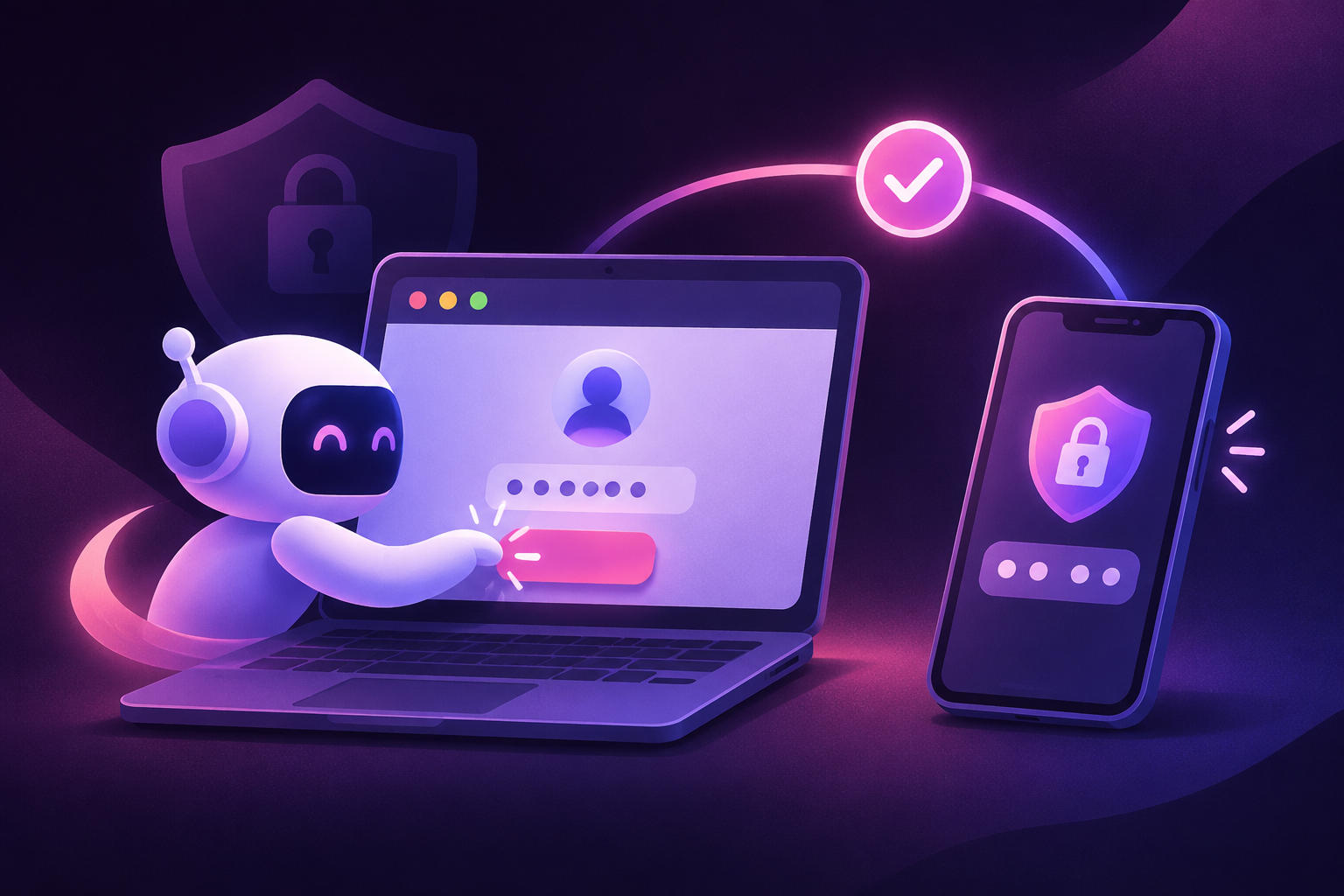
To automate login with 2FA safely, keep raw passwords and Time-Based One-Time Password (TOTP) seeds out of the language model's context window. Pass symbolic secret references to the browser agent, and expose a local TOTP generator as a tool call. The model decides where to click and which input field is active. The runtime injects the sensitive strings directly into the browser DOM.
Hardcoded selectors break when a SaaS dashboard changes a class name or adds an intermediate security prompt. An AI browser agent reads the live accessibility tree and visual layout, adapts to unexpected screens, and completes multi-step authentication without exposing credentials in your prompt logs.
Why raw credentials never belong in the agent prompt#
When you build a script for web automation, the simplest approach is to put the username, password, and 2FA code directly into the system instructions. That creates three security problems.
Every step in an agent loop sends the conversation history back to the model provider. If a password or a 32-character base32 TOTP secret sits in the system prompt, it travels over the wire on every turn and lands in request logs.
If the page contains untrusted text, such as user-generated comments, support tickets, or email subjects, a prompt injection could trick the model into typing your password into a public search bar or exfiltrating the TOTP seed via a URL parameter.
LLM tokenizers often split complex passwords or base32 seeds into subword tokens. Models occasionally hallucinate or transpose characters when they reproduce a random string.
The fix is a strict boundary between reasoning and credential storage:
- Store the username, password, and
TOTP_SECRETin environment variables or a secret manager. - Give the model symbolic handles like
{{VAULT_USERNAME}}and{{VAULT_PASSWORD}}. When the model emits afillaction containing a placeholder, your local execution wrapper swaps the placeholder for the real value right before dispatching the browser event. - Give the model a tool called
fill_totp_codethat takes only a target element ID. The tool computes the 6-digit RFC 6238 code in memory and types it into the field without ever returning the digits to the LLM.
Walking through a real 2FA login run#
Take a routine back-office job: log into a vendor portal (such as GitHub or a billing dashboard) and download a monthly invoice CSV. The portal enforces a two-screen login, then a TOTP verification prompt, and occasionally inserts a "Trust this browser?" interstitial.
A complete run with the Lovely Router browser agent and claude-sonnet-5.5 takes five turns:
- Navigate and locate the username. The agent loads
https://portal.example.com/login. It reads the accessibility tree, identifies the email input (#login_field), and emits an action to fill{{VAULT_USERNAME}}. If the password field is on the same screen, it fills{{VAULT_PASSWORD}}and clicks submit in the same turn. - Handle the 2FA challenge. The page transitions to
/sessions/two-factor. The agent observes the new DOM, spots the 6-digit verification input (#app_totp), and calls thetype_totptool with the target selector. - Check the TOTP window and submit. Before generating the code, the local tool checks how many seconds remain in the current 30-second TOTP window. If fewer than 4 seconds remain, the tool pauses until the next window begins so the code does not expire while the form submits. It then injects the 6 digits and submits the form.
- Dismiss the interstitial. The portal renders a "Remember this device for 30 days" prompt. A brittle CSS script would fail here if the prompt only appears after cookies expire. The agent reads the buttons, selects "Don't remember" (appropriate for an ephemeral cloud browser session), and reaches the main dashboard.
- Extract the session state. Once the agent confirms the dashboard header is visible, the wrapper script exports the browser's
storageState(cookies andlocalStorage) to an encrypted file for downstream tasks.
Implementing the vault and TOTP handoff in Python#
Run this with the standard OpenAI Python SDK pointed at the Lovely Router API, and a local RFC 6238 code generator. One prepaid Lovely Router API key gives you access to Claude, GPT, and Gemini models alongside the browser agent and web data tools.
Install the dependencies:
pip install openaiAdd a local headless browser driver and a local RFC 6238 TOTP library in the same environment. The script imports them as local_browser and local_totp.
The script below defines the tool schema, intercepts placeholder variables before they touch the browser, and handles the TOTP clock-drift edge case automatically.
import os
import time
import json
from openai import OpenAI
from local_browser import launch_headless_browser  # local headless browser driver
from local_totp import current_code  # local RFC 6238 generator

# Load secrets into memory; never pass these strings to the LLM
VAULT = {
    "{{VAULT_USER}}": os.environ["PORTAL_USERNAME"],
    "{{VAULT_PASS}}": os.environ["PORTAL_PASSWORD"],
}
TOTP_SEED = os.environ["PORTAL_TOTP_SEED"]

client = OpenAI(
    base_url="https://api.lovelyrouter.com/v1",
    api_key=os.environ["LOVELY_ROUTER_API_KEY"],
)

TOOLS = [
    {
        "type": "function",
        "function": {
            "name": "fill_input",
            "description": "Type text or a vault placeholder into an input field.",
            "parameters": {
                "type": "object",
                "properties": {
                    "selector": {"type": "string"},
                    "value": {
                        "type": "string",
                        "description": "Use {{VAULT_USER}} or {{VAULT_PASS}} for credentials.",
                    },
                    "press_enter": {"type": "boolean"},
                },
                "required": ["selector", "value"],
            },
        },
    },
    {
        "type": "function",
        "function": {
            "name": "inject_totp",
            "description": "Generate the current 6-digit 2FA code and type it into the selector.",
            "parameters": {
                "type": "object",
                "properties": {
                    "selector": {"type": "string"},
                },
                "required": ["selector"],
            },
        },
    },
    {
        "type": "function",
        "function": {
            "name": "click_element",
            "description": "Click a button or link by selector.",
            "parameters": {
                "type": "object",
                "properties": {
                    "selector": {"type": "string"},
                },
                "required": ["selector"],
            },
        },
    },
]

def generate_safe_totp(seed: str) -> str:
    """Wait for a fresh window if the current TOTP code expires in < 4 seconds."""
    remaining = 30 - (int(time.time()) % 30)
    if remaining < 4:
        time.sleep(remaining + 1)
    return current_code(seed)

def execute_tool(page, name: str, args: dict) -> str:
    if name == "fill_input":
        # Swap symbolic placeholder for the real secret outside the LLM context
        raw_val = args["value"]
        actual_val = VAULT.get(raw_val, raw_val)
        page.fill(args["selector"], actual_val)
        if args.get("press_enter"):
            page.press(args["selector"], "Enter")
        return f"Filled {args['selector']} with {raw_val}"

    if name == "inject_totp":
        code = generate_safe_totp(TOTP_SEED)
        page.fill(args["selector"], code)
        page.press(args["selector"], "Enter")
        return f"Injected 6-digit TOTP into {args['selector']} and submitted."

    if name == "click_element":
        page.click(args["selector"])
        return f"Clicked {args['selector']}"

    return "Unknown tool"

def run_login_agent(target_url: str, state_output_path: str):
    with launch_headless_browser() as browser:
        context = browser.new_context()
        page = context.new_page()
        page.goto(target_url)

        messages = [
            {
                "role": "system",
                "content": (
                    "You are a browser login agent. Log into the portal using "
                    "{{VAULT_USER}} and {{VAULT_PASS}}. When prompted for a 2FA "
                    "code, call inject_totp. Stop once the main dashboard loads."
                ),
            }
        ]

        for turn in range(6):
            # Extract a compact list of interactive elements for the model
            dom_snapshot = page.evaluate("""() => {
                const els = Array.from(document.querySelectorAll('input, button, a'));
                return els.map(e => ({
                    tag: e.tagName,
                    id: e.id ? '#' + e.id : '',
                    name: e.name || '',
                    type: e.type || '',
                    text: (e.innerText || e.placeholder || '').slice(0, 40)
                }));
            }""")

            messages.append({
                "role": "user",
                "content": f"URL: {page.url}\nElements: {json.dumps(dom_snapshot)}",
            })

            response = client.chat.completions.create(
                model="claude-sonnet-5.5",
                messages=messages,
                tools=TOOLS,
            )

            msg = response.choices[0].message
            messages.append(msg)

            if not msg.tool_calls:
                print("Login finished:", msg.content)
                break

            for call in msg.tool_calls:
                args = json.loads(call.function.arguments)
                result = execute_tool(page, call.function.name, args)
                messages.append({
                    "role": "tool",
                    "tool_call_id": call.id,
                    "content": result,
                })
            page.wait_for_timeout(1500)

        # Save authenticated session cookies for downstream tasks
        context.storage_state(path=state_output_path)
        browser.close()

if __name__ == "__main__":
    run_login_agent("https://portal.example.com/login", "auth_state.json")
During execute_tool, when the model fills {{VAULT_PASS}}, the confirmation written back to the message history is "Filled #password with {{VAULT_PASS}}". Neither the password nor the 6-digit TOTP string ever enters the messages array.
Handling non-TOTP 2FA: SMS, email, and push approvals#
Not every site offers an authenticator app. When a legacy portal forces SMS codes, email magic links, or push notifications, three patterns keep the automation unattended.
For SMS codes, route the account's phone number to a programmable number using the Cloud phone API. Expose a fetch_latest_sms_code tool that polls the inbox for the sender ID, extracts the 6-digit number via regex, and types it into the active browser input.
For email magic links and OTPs, point the account at an inbox your backend can read via IMAP or webhook. On the "Check your email" screen, the agent calls wait_for_email_otp, which fetches the verification link or code from the newest message.
For push approvals, a person still has to tap "Approve" on a physical device. Keep a stateful browser session open. The agent fills the username and password, triggers the push, and sends a webhook to your team's chat channel. Once the human taps approve, the page redirects and the agent resumes its run.
Token usage and cost per login run#
A 5-turn login that sends compact DOM snapshots (around 4,000 input tokens per turn) and short tool-call JSON (around 300 output tokens per turn) consumes 20,000 input tokens and 1,500 output tokens in total. If you repeat the system prompt and tool definitions across turns or runs, prompt caching reduces the input cost on repeated prefixes. The table below is the baseline uncached cost for a single cold login run.
Using claude-sonnet-5.5 ($2.00 per 1M input tokens, $10.00 per 1M output tokens), one 5-turn 2FA login run costs $0.055:
| Item | Amount | Price | Cost |
|---|---|---|---|
| Claude Sonnet 5.5 input | 20,000 tokens (0.02M) | $2.00 per 1M | $0.040 |
| Claude Sonnet 5.5 output | 1,500 tokens (0.0015M) | $10.00 per 1M | $0.015 |
| Total per single login run | $0.055 |
You do not need the full 2FA flow on every page scrape. Save auth_state.json via context.storage_state(), and worker scripts can reuse the session cookie for 24 hours. Invoke the 2FA login agent once a day, when the session expires.
If you manage 100 separate vendor portals and re-authenticate each one once per day for 30 days (3,000 login runs per month), you can also choose a faster, lower-cost model for straightforward login forms. Monthly cost for 3,000 login runs (60M input tokens and 4.5M output tokens in total) across three models on the same API key:
| Model | Input (60M tokens) | Output (4.5M tokens) | Monthly total (3,000 runs) |
|---|---|---|---|
Claude Sonnet 5.5 (claude-sonnet-5.5) | $2.00 per 1M ($120.00) | $10.00 per 1M ($45.00) | $165.00 |
GPT-6.1 Terra (gpt-6.1-terra) | $1.00 per 1M ($60.00) | $5.00 per 1M ($22.50) | $82.50 |
Gemini 3 Flash (gemini-3-flash) | $0.50 per 1M ($30.00) | $3.00 per 1M ($13.50) | $43.50 |
Default to gemini-3-flash ($43.50 per month for 3,000 runs) or gpt-6.1-terra ($82.50 per month) for standard login flows. Fall back to claude-sonnet-5.5 ($165.00 per month) only when a site changes its layout or throws an unfamiliar multi-step challenge. The full catalog of model rates is on the pricing page.
How to verify your setup before going to production#
Before you run the agent against a production account with strict lockout policies, run three local checks:
- Log the
messageslist right beforeclient.chat.completions.create()and assert that neitheros.environ["PORTAL_PASSWORD"]noros.environ["PORTAL_TOTP_SEED"]appears in the serialized JSON string. - Force the script to start
generate_safe_totp()whenint(time.time()) % 30 == 28, and measure the elapsed time. Confirm that the function sleeps for 3 seconds and outputs the next window's code rather than submitting a code that expires in transit. - Load a fresh browser context with
browser.new_context(storage_state="auth_state.json"), navigate directly to the authenticated dashboard URL, and verify that the portal does not redirect back to/login.
Run your first 2FA login agent#
Get a single API key, fund your balance, and connect your script to the browser agent. You can automate authenticated workflows without exposing secrets to the prompt.
Try it yourself
One prepaid key, no subscription. Every price in this article is the price you pay.
Keep reading
All articles →
Let an AI agent fill a job application for you
Use a browser agent to complete multi-step job forms, upload your CV, and handle screening questions on real sites.

Track TikTok trends for a niche every morning
Pull TikTok search and hashtag data on a daily schedule, extract transcripts and comments, and see what a full week of tracking costs.

Give Claude Code web search and a browser in one command
Add a remote MCP server to Claude Code in one terminal command for live web search, page crawling, and browser screenshots on one prepaid API key.